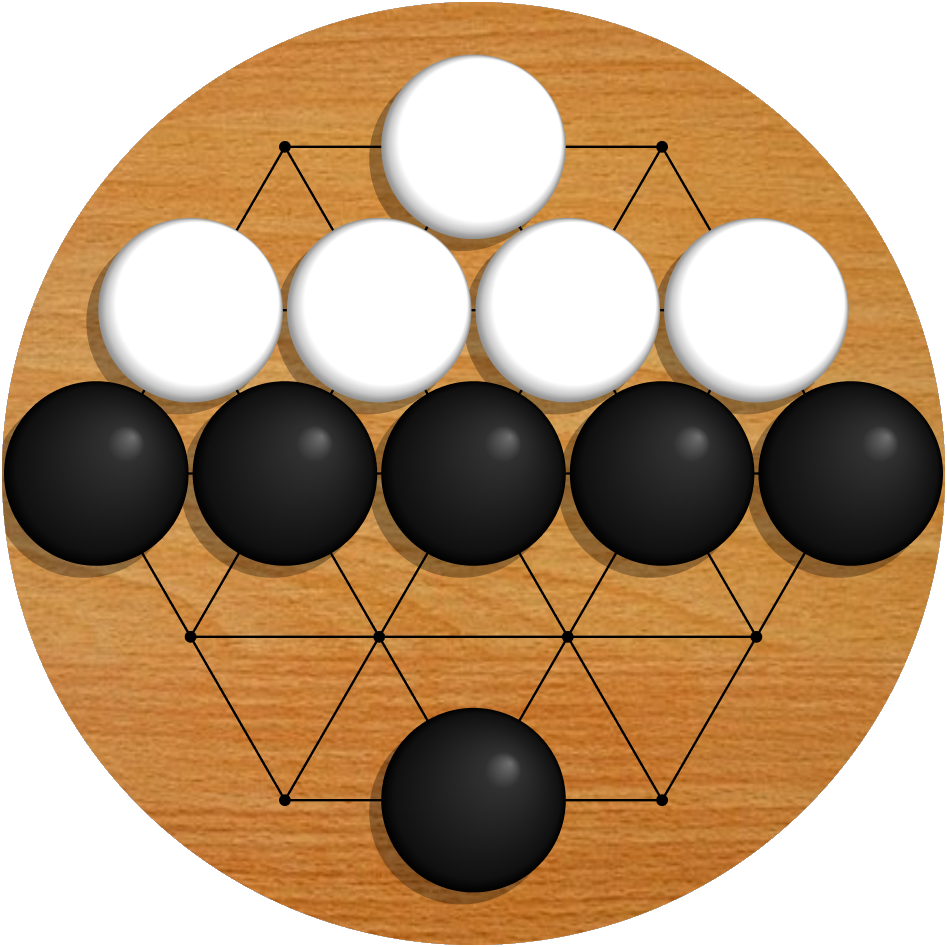
Printable Board Templates
Want a physical Badux board? These are full-scale (1:1) printable templates for all three standard sizes. Print one, tape the sheets together, and you have a paper board you can play on with ordinary Go stones — or a marking template to lay out a wooden board.
Everything on this page is free to use, for personal or commercial purposes.
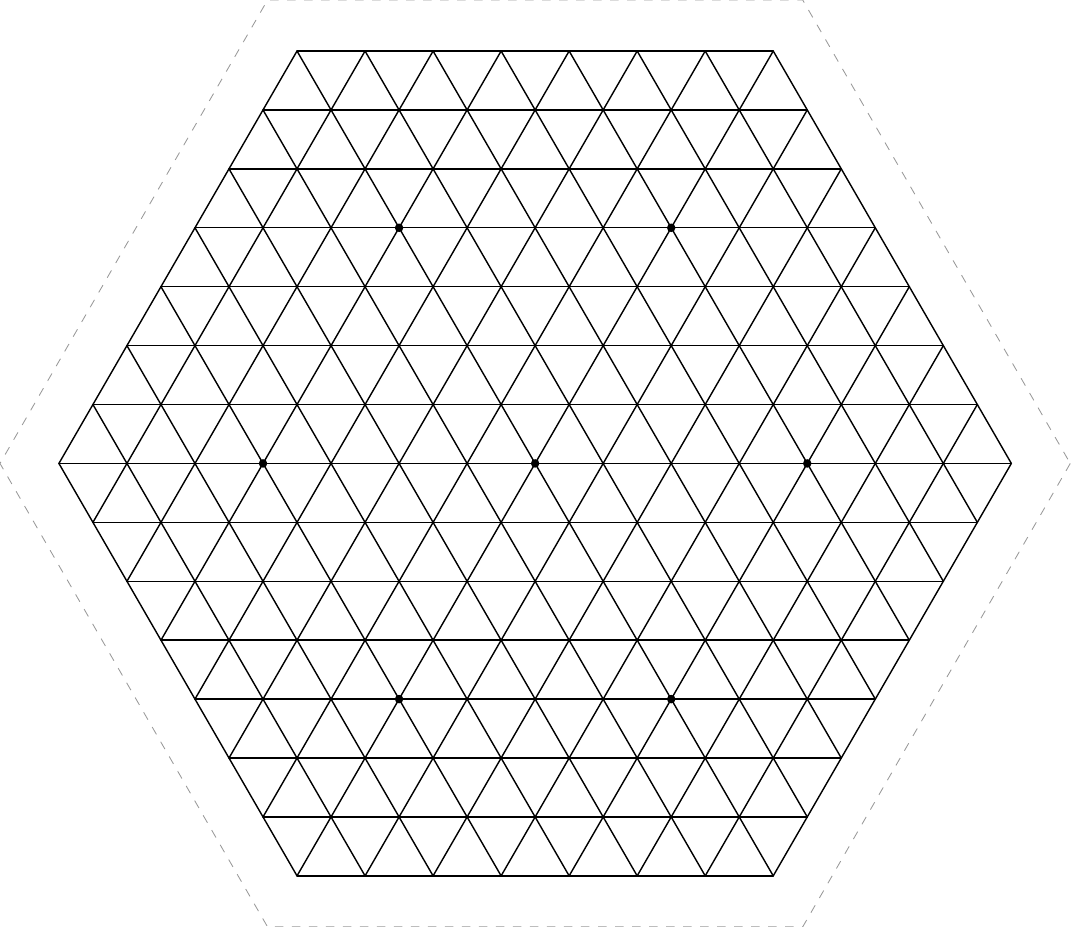
The 8×8×8 template. The dashed hexagon is a suggested finished board edge.
Drawing a hex board is easier than it looks
The board is usually drawn as a honeycomb of hexagonal cells, which sounds like a nightmare to draw by hand. It isn’t, because a honeycomb is just the dual of a triangular lattice. Every Badux board can be drawn exactly the way a Go board is drawn — as straight lines with stones on the intersections — except with three families of parallel lines at 60° instead of two at 90°.
That turns out to be a very forgiving construction, because every line runs from one edge of the board to the other. So the whole layout is:
- Draw the outer hexagon. (A compass does this for you: with the compass set to the hexagon’s side length, step it six times around a circle of that same radius.)
- Mark N evenly spaced points along each of the six edges. On a 12×12×12 board that is 66 marks, all of them on straight edges you can lay a ruler against.
- Rule straight lines connecting corresponding marks on opposite edges.
Every interior intersection falls out of step 3 on its own, with no interior measuring at all. And the six outermost grid lines are the outer hexagon, so you never draw the outline twice.
Choosing the spacing
A Japanese Go board uses a 22.0mm × 23.7mm grid with stones about 22mm across. A hex grid only has one spacing to pick, so you have to choose a single number, and the interesting range is 22mm to 24mm.
There is a reason to lean toward the loose end. On a square grid only four neighbours sit at the grid spacing; the diagonals are 1.41 times further away, so stones never crowd corner to corner. On a hex grid all six neighbours sit at exactly the spacing, so a stone with a full set of neighbours is touching on every side at once. It plays fine, but dense positions are fiddly to pick apart.
23mm is close to traditional proportions. 24mm is roomier and more forgiving of a hand-made board. Templates are offered in both.
Downloads
Each template comes in three forms. The A4 and Letter versions are tiled across ordinary sheets with a 10mm overlap, ready to print at home. The full size version is a single large page for a print shop or a wide-format printer.
| Board | Spacing | Sheets to print | Download |
|---|---|---|---|
| 6×6×6 | 23mm | 2 | A4 · Letter · full size |
| 6×6×6 | 24mm | 2 | A4 · Letter · full size |
| 8×8×8 | 23mm | 4–6 | A4 · Letter · full size |
| 8×8×8 | 24mm | 6 | A4 · Letter · full size |
| 12×12×12 | 23mm | 6–8 | A4 · Letter · full size |
| 12×12×12 | 24mm | 8–12 | A4 · Letter · full size |
Every template includes the star points and a dashed hexagon showing a finished board edge with a uniform 18mm border beyond the outer points.
Dimensions
The grid column is the distance from outer point to outer point, which is what you measure when marking out a board. The board column adds the 18mm border, and is the size of the finished hexagon.
| Board | Points | Spacing | Grid (corner to corner × flat to flat) | Board with 18mm border |
|---|---|---|---|---|
| 6×6×6 | 91 | 23mm | 230 × 199mm | 272 × 235mm |
| 6×6×6 | 91 | 24mm | 240 × 208mm | 282 × 244mm |
| 8×8×8 | 169 | 23mm | 322 × 279mm | 364 × 315mm |
| 8×8×8 | 169 | 24mm | 336 × 291mm | 378 × 327mm |
| 12×12×12 | 397 | 23mm | 506 × 438mm | 548 × 474mm |
| 12×12×12 | 397 | 24mm | 528 × 457mm | 570 × 493mm |
If you want to work the numbers out yourself: for a board with N points along each edge and a spacing of s, the side of the grid hexagon is L = (N−1) × s, the corner-to-corner width is 2L, and the flat-to-flat height is √3 × L.
Printing at home
- Print at 100%. Turn off “fit to page”, “shrink to fit”, and any scaling your printer driver offers. This is the step that goes wrong.
- Check the calibration bar at the bottom of each sheet with a ruler. It must measure exactly 100mm. If it doesn’t, the print is scaled and the board will come out the wrong size.
- Trim each sheet along its dashed edges.
- Lay each sheet over the one above it and to its left, lining up the grid lines through the 10mm overlap band. Tape from behind.
Sheet labels tell you which row and column each page belongs to.
Other spacings
The templates are generated by a small script, included alongside them, if you want a spacing or a border that isn’t offered above. It needs Python and pycairo.
python3 badux_template.py --size 12 --pitch 23.5 --border 20 --page a4 --out board.pdf
--size is the number of points along each board edge, --pitch is the millimetres between
adjacent points, --border is the millimetres of board beyond the outer points, and --page is
a4, letter, or full.
Built one?
We would love to see it. Come show it off in the Discord, or play a game at BaduxGo.com while you wait for the glue to dry.